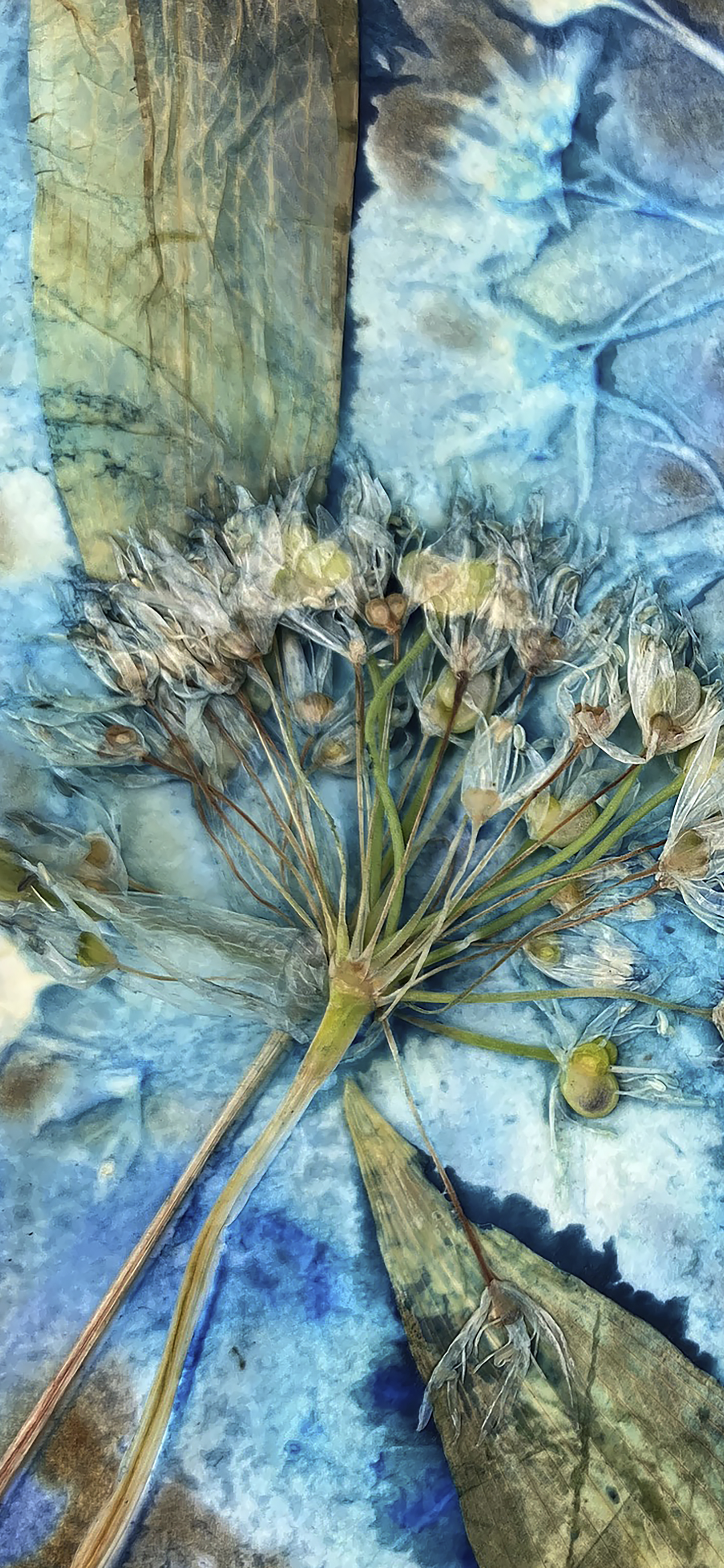
Thank you for subscribing to my Studio Newsletter! As a small token of my appreciation, here is your free botantical wallpaper, Wild Garlick. I hope it brings a little beauty to your day.
Download Your Wallpaper
Press download to save the wallpaper to your phone
Installation Instructions
iOS Devices
- Download the wallpaper using the button above
- Open the Photos app
- Locate the downloaded image in your Recent album
- Tap the image to view it in full screen
- Tap the Share icon (square with arrow)
- Scroll down and select Use as Wallpaper
- Adjust the image position as desired
-
Tap Set and choose:
- Set Lock Screen
- Set Home Screen
- Set Both
Android Devices
- Download the wallpaper using the button above
- Open the Gallery or Photos app
- Find the downloaded image in your Downloads folder
- Tap the image to open it
- Tap the More menu (three dots)
- Select Set as wallpaper or Use as
-
Choose between:
- Home screen
- Lock screen
- Home and lock screen
- Adjust the image position and tap Set wallpaper
Note: Steps may vary slightly depending on your device manufacturer (Samsung, Google Pixel, etc.)
Technical Specifications
These wallpapers have been optimized for modern smartphone displays, ensuring the highest quality regardless of your device's resolution.